Steam-Controller-Guide
3D Printing Parts For The Steam Controller (2015)
CAD Files / Models
Potential Issues & Solutions
File size too large
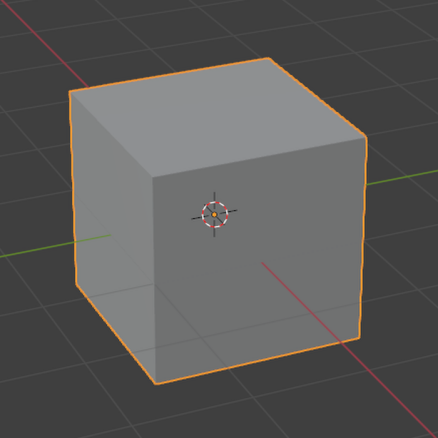
- Select and delete default cube
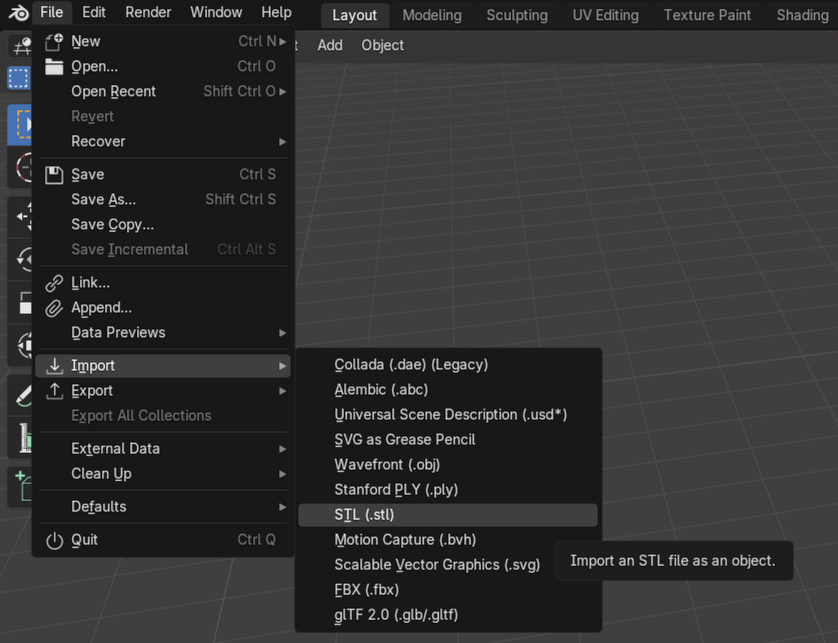
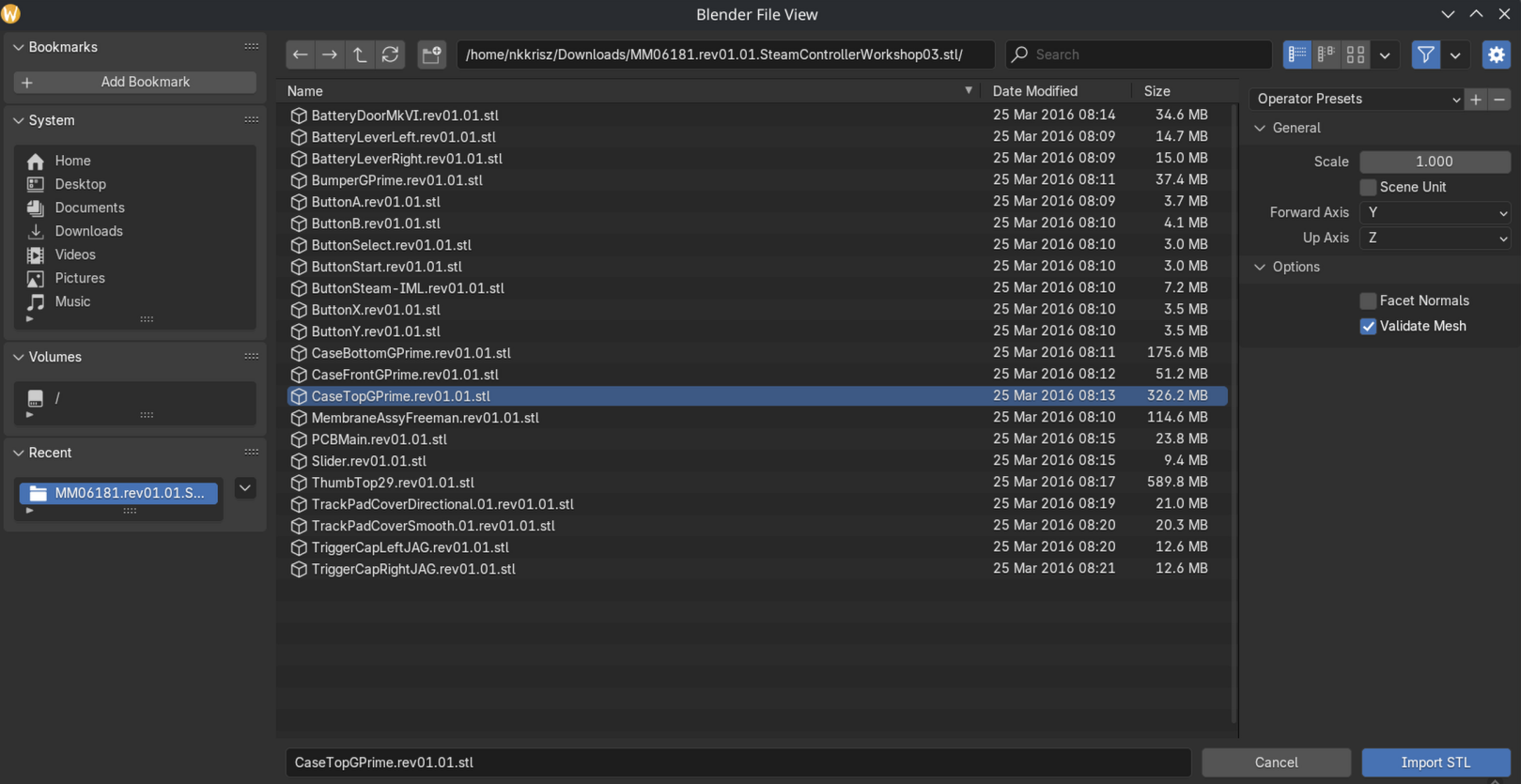
- Import model (File > Import > File Type > File Browser)
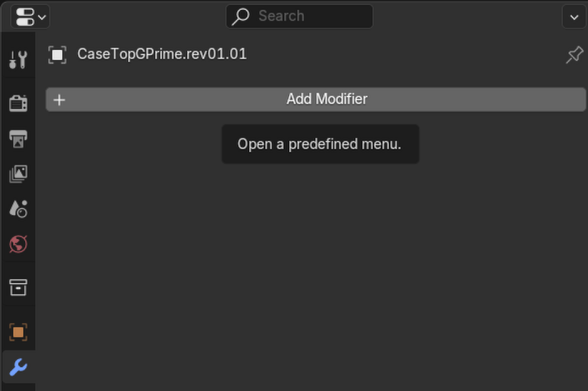
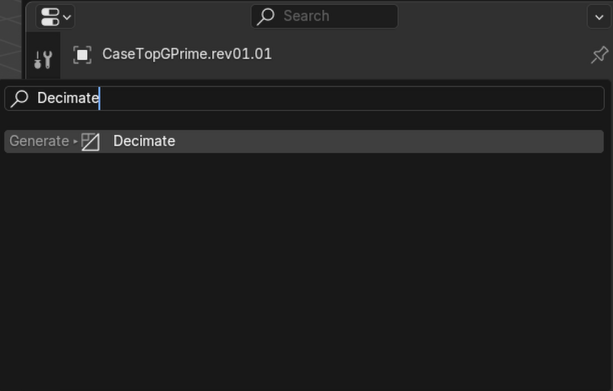
- Add decimate modifier (Blue Wrench > Add Modifier > Search > Decimate)
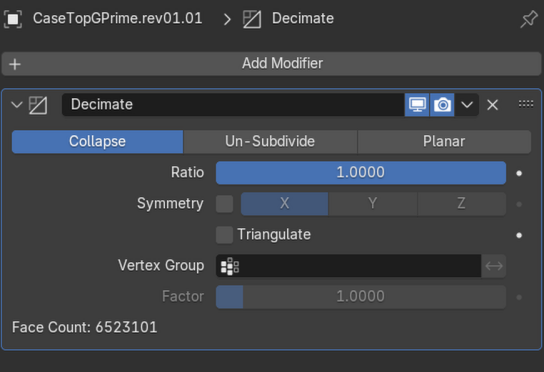
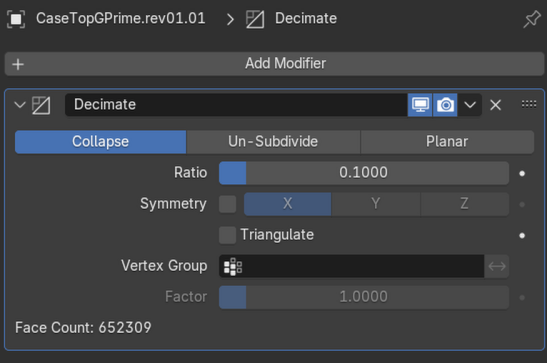
- Decrease
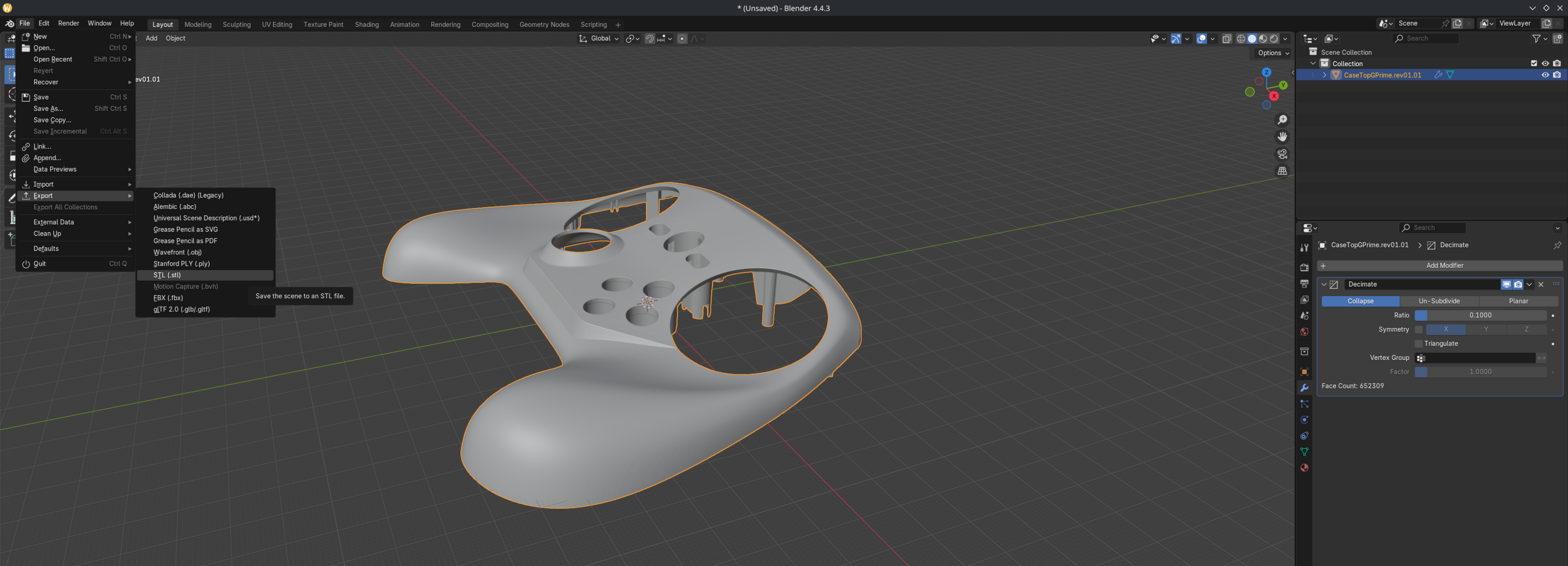
Ratiovalue until acceptable quality loss / file size requirement (Face Countshould go down) - Select and export model (File > Export > File Type > File Browser)
- The file size should be smaller
- Before
- After
- Before
Slicer Issues
- Use Blender, FreeCAD or other alternatives to fix the errors pointed out in the models (hidden holes, structural flaws etc…)
Preventing Parts From Breaking / Being Fragile
- Use a tougher material
- Increase rigidity by editing the models
- Try making certain areas thicker
Additional Notes
- CAD users should use .step files for making changes